What is web hosting? How does it work? Learn about different types of web hosting services and find the one that best fits your website.
What Is Website Hosting?
If you’re someone with little to no technical background but want to have your own website—whether for personal use or for a small business—you’ll inevitably come across the term “website hosting.”
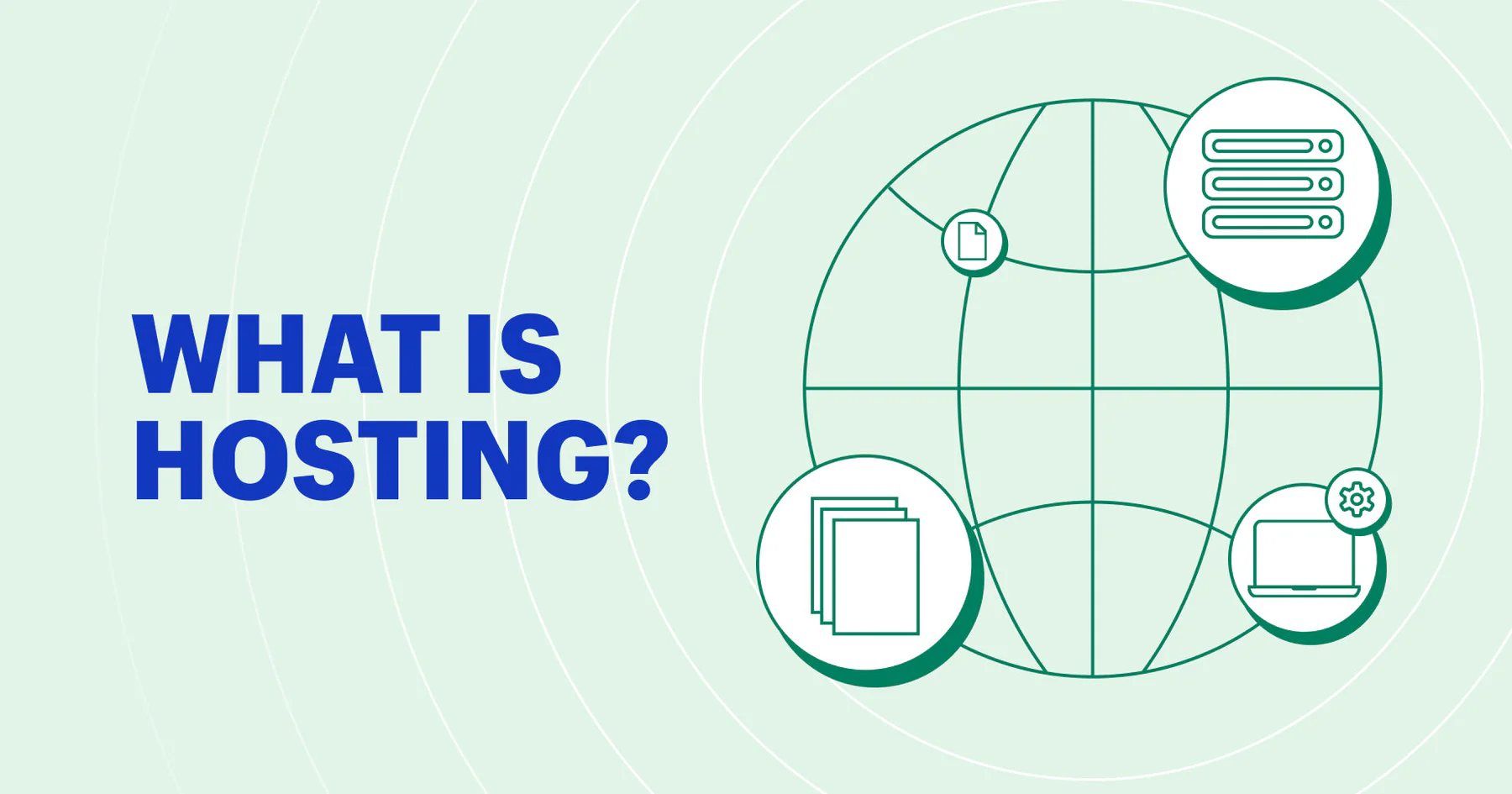
In simple terms, website hosting is like renting a home for your site on the internet. Just as we need physical space to store furniture and belongings in the real world, your website’s content—such as text, images, videos, and code—needs a dedicated space to live so that people can find and view it online. This space is provided by a web hosting service provider through a server that is connected to the internet 24/7, ensuring your site is always accessible.
The Core Relationship Between a Domain Name and Hosting
To understand web hosting, it’s important to clarify two key concepts: domain names and hosting. Their relationship is much like a house and its street address.
Imagine the “home” you rent for your website is a physical house. Hosting is the house itself—it provides the actual space to store your site’s files. A domain name is like the street address or house number (for example: www.oddbbo.com). When someone enters your domain name into a browser, their computer uses it to locate your hosting server and fetch your site’s content.
- Domain Name: Your site’s “address” (e.g., www.thuszen.com), easy for people to remember and type.
- Hosting: The physical “house” where your site’s files live, stored on a computer (server) in a data center connected to the internet.
A domain name helps visitors find your site, while hosting ensures the site’s files can actually be delivered to them.
Hosting Types: Apartments, Townhouses, and Standalone Homes
Web hosting comes in several forms—similar to how housing can range from shared apartments to standalone villas. Each has its own strengths and use cases.
Shared Hosting – The Apartment
Shared hosting is like renting a unit in a large apartment building. Many residents (websites) share the same building (server) and its facilities—like electricity, water, and elevators (server CPU, RAM, storage, and bandwidth).
Pros:
- Very affordable, as costs are shared among many users.
- Easy to manage—your host handles server maintenance.
Cons:
- Resources are limited, and one “neighbor” with high traffic can slow down other sites.
Best For: Personal blogs, small business sites, or new projects with modest traffic.
VPS (Virtual Private Server) – The Townhouse
VPS hosting is like owning a townhouse. Multiple houses may share a single structure, but each has its own kitchen, bathroom, and yard.
A VPS uses virtualization to divide a physical server into several isolated virtual servers. Each has its own operating system, memory, storage, and bandwidth. You get dedicated resources without interference from other sites.
Pros:
- More stable performance than shared hosting.
- Greater control—you can install your own software and customize settings.
Cons:
- Requires more technical know-how (unless you choose a managed VPS).
Best For: Growing websites, medium-sized e-commerce stores, and projects needing more control and reliability.
Dedicated Server – The Standalone Home
A dedicated server is like owning your own villa—no shared walls, no shared utilities, and full control. You get an entire physical server for your own use, with maximum performance and security.
Pros:
- The most powerful hosting option.
- Full control over server configuration.
Cons:
- Expensive and requires technical expertise to manage.
Best For: High-traffic sites, large e-commerce platforms, or applications that demand top-tier performance.
Cloud Hosting – The Modular Home
Cloud hosting is like building with modular blocks—you can add or remove sections as needed. It connects multiple physical servers into a resource pool, letting you scale your hosting resources up or down instantly.
Pros:
- Highly reliable—if one server fails, others keep your site online.
- Pay for only what you use.
Cons:
- Can be more complex to manage (though many providers simplify it).
Best For: Sites with fluctuating traffic, fast-growing startups, or event-driven businesses like seasonal e-commerce.
Shared Hosting vs VPS – Which Should You Choose?
Shared hosting is an excellent, budget-friendly starting point—ideal for beginners and small sites. As your traffic grows and you need more performance and control, a VPS offers a smooth upgrade path without the high cost of a dedicated server.
Understanding these hosting types will help you pick the right “home” for your website—one that fits your needs today and can grow with you in the future.